Tokens
Discover tokens, follow the ones you hold and open any token to trade it or create a strategy.
Find a token to trade, follow the ones you hold, and open any of them on its Token Page. The page is titled Discover your next trade.
Views
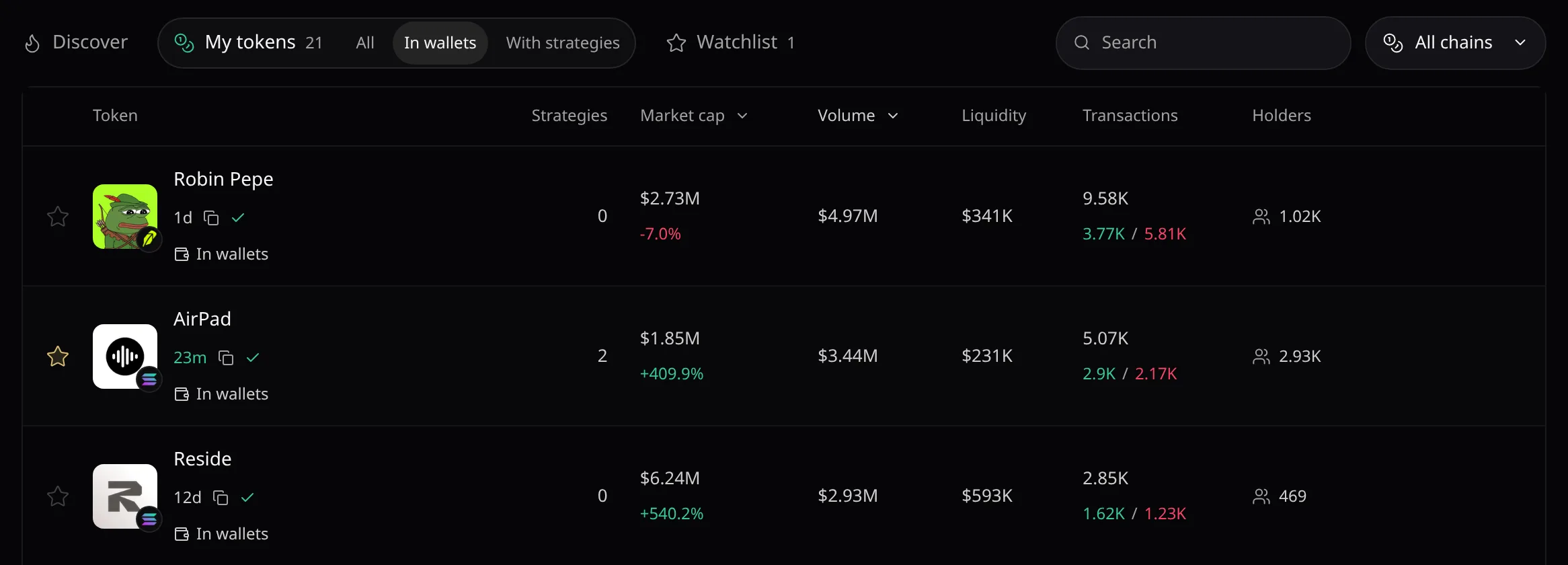
- Discover lists tokens from Pace’s market screener: Trending, New, Graduating or Migrated.
- My tokens lists tokens in your wallets or with a strategy. Watchlist lists the tokens you starred.
- The network picker on the right narrows any view to one network.
Read a row
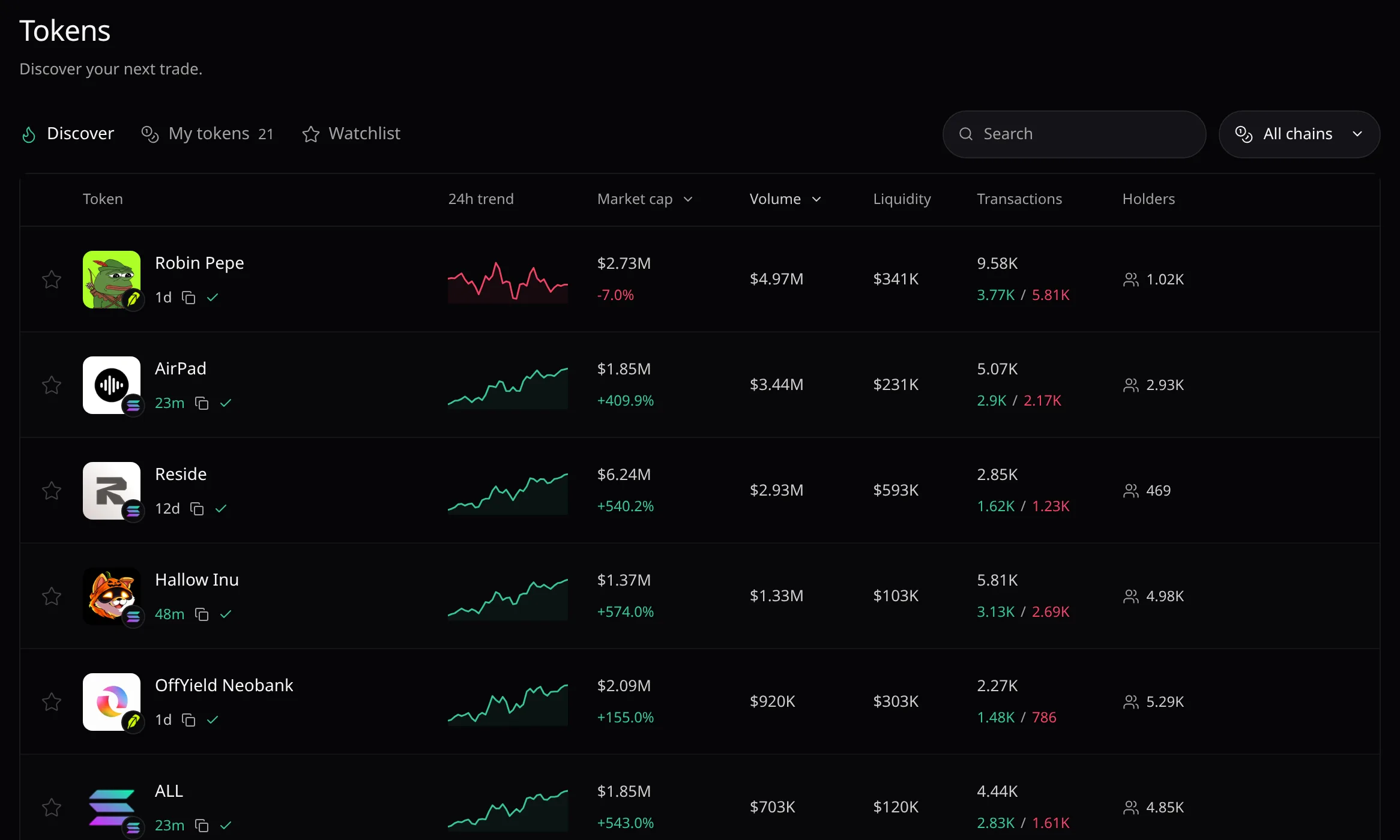
- Volume and Transactions cover the last 24 hours. Sort by Market cap or Volume, the default order.
- A dash is a missing figure: hover it to read why.
- Click a row to open its token page.
Search
- Press
⌘Kon Mac orCtrl Kelsewhere, or choose Search, then type two characters of a name or symbol, or paste a contract address. - Results are grouped in Your tokens, Your strategies and Discover tokens. All, Tokens and Strategies narrow them.
Error messages are listed in Troubleshooting.