Strategies Overview
What a strategy is, the kinds of card, the templates, how a strategy runs and the Strategies page.
A strategy places orders for you on one token. It is a stack of cards, each reading When the market does something, then buy or sell. Pace watches the market and trades.
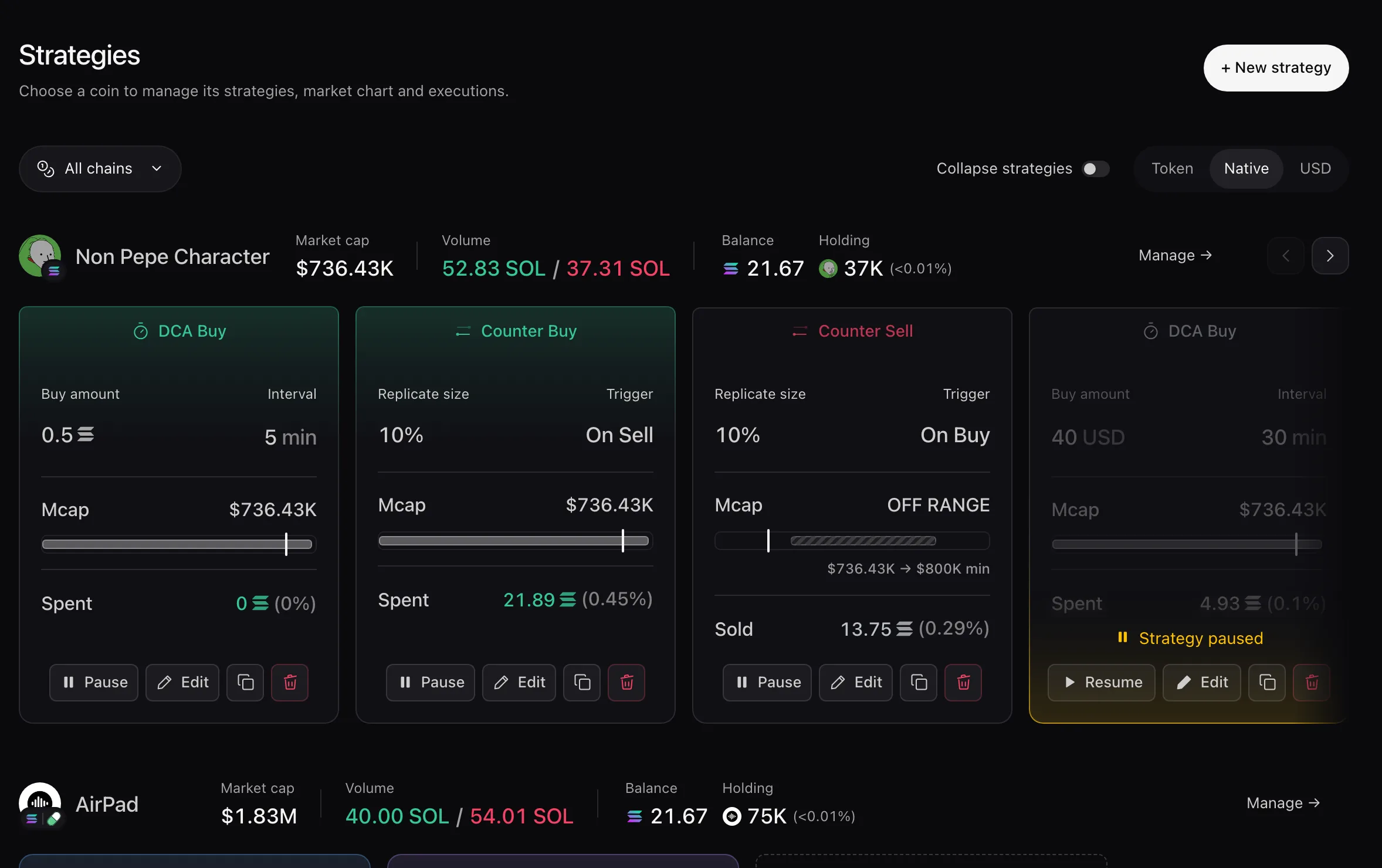
The Strategies page
- Coin row: Market cap, Volume bought and sold by your strategies, Balance and Holding. Manage → opens its Token Page.
- Cards: the coin’s running strategies. Finished ones move to Completed on the token page. See Manage Strategies.
- + New strategy opens the token picker, then the editor. See Create a Strategy.
Kinds of card
You never pick a kind: what you write in a card decides it. Template chips and card headers such as DCA Buy or Counter Buy name it, and one strategy can mix several, like DCA + counter buys.
 Market trades Counter Trading Buy into sells, or sell into buys.
 Time DCA Buy or sell at regular intervals.
 Market cap Limit order Trade once when market cap reaches your target.
 Price movement Trailing Buy after a rebound, or sell after a pullback. Volume Activity Keep buy and sell volume on the chart.
Templates
A template sets up several orders at once from the market cap now.
 On-chain activity Keep steady buy and sell volume on the chart. Buys & sells · on a timer
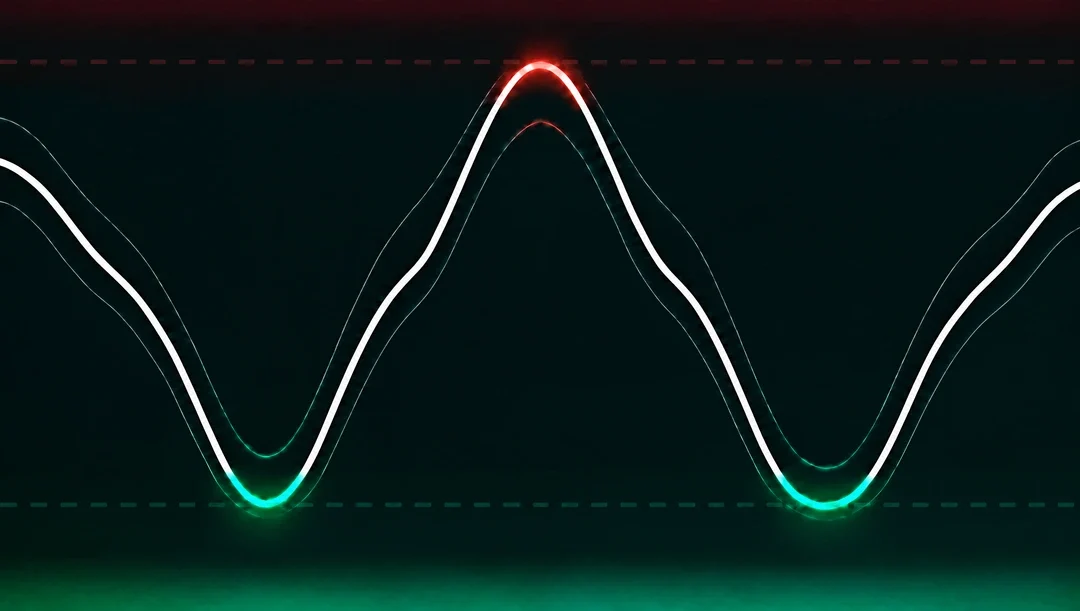 Range Buy 20% under the price, sell 20% over it. Buys & sells · two bounds
 Ladder out Sell in three steps, at +20%, +35% and +50%. 3 limit sells
 Buy the dip Buy in three steps, at −20%, −35% and −50%. 3 limit buys
Every trade appears in Activity and on the token’s chart. Strategies always trade for real. Their states are listed in Statuses.