Wallets
Create or import trading wallets, name them, copy their address and delete the ones you no longer use.
Your trading wallets, under Wallets in Portfolio. Adding, renaming and deleting need a key with Can trade or higher.
The wallet card
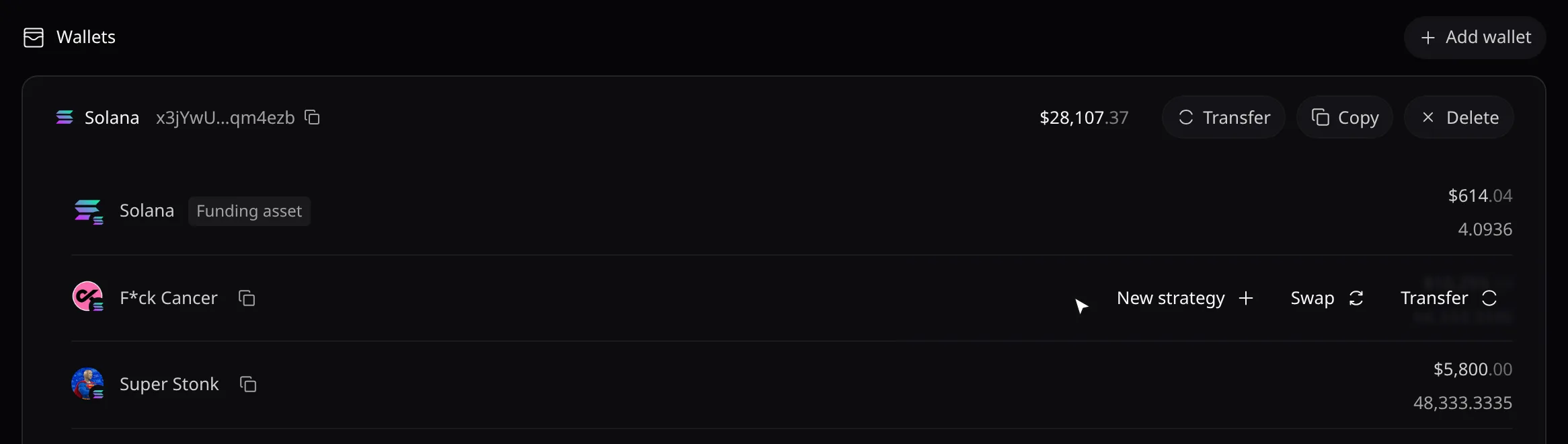
- Click the name to rename the wallet (up to 64 characters). An unnamed wallet shows its family, Solana or EVM.
- Copy copies the address. Transfer opens Transfer from this wallet; only wallets Pace created have it.
- Hover a holding for New strategy, Swap and Transfer. Holdings worth less than $1 are hidden.
Add a wallet
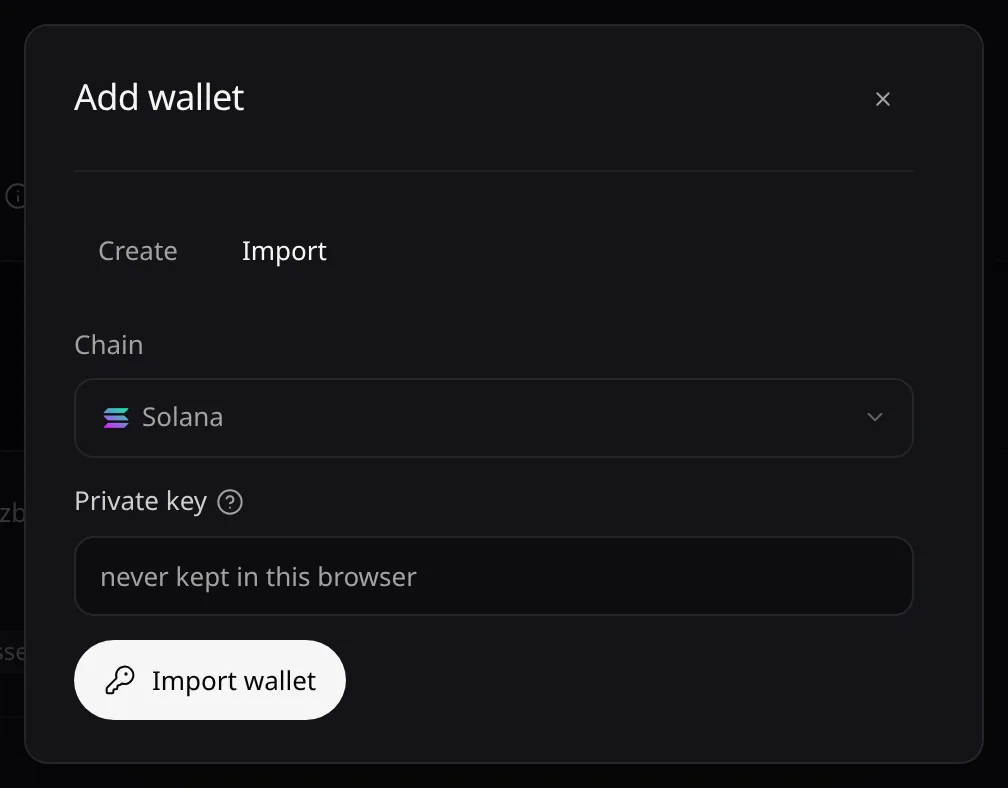
- Choose Add wallet, pick the Chain, then Create wallet: Pace generates the wallet and keeps its key.
- Or, on Import, paste the Private key and choose Import wallet. The key goes to Pace’s vault and is never kept in this browser.
Delete a wallet
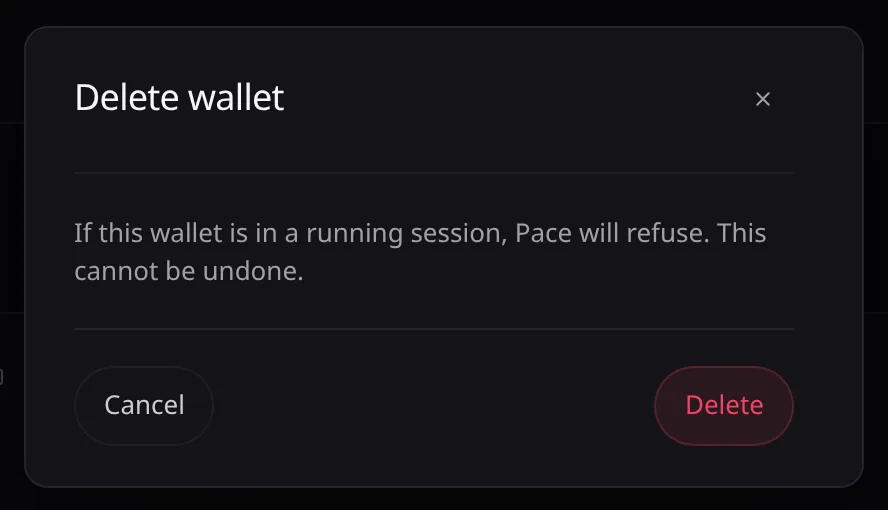
- Choose Delete on the card, then Delete again to confirm.
Error messages are listed in Troubleshooting.