Portfolio
Balances across your wallets and the pool, by wallet or by token.
What you hold and where, with shortcuts to move it.
Total balance

- Total balance: every priced holding, available and reserved. It follows the All chains filter.
- Deposit, Transfer and Swap open their windows. See Deposit, Transfer and Swap.
- By wallet or By token switches the view. Compact folds the wallet cards. Press
/to search.
Pooled

- Pooled · {Network} opens the Pool on that network. Withdraw starts a withdrawal.
- The meter shows how busy the pool is over 24 hours. The figure in brackets is your share of that token in pooled custody.
… reservedis set aside. Hover it to read what is available.
Wallets
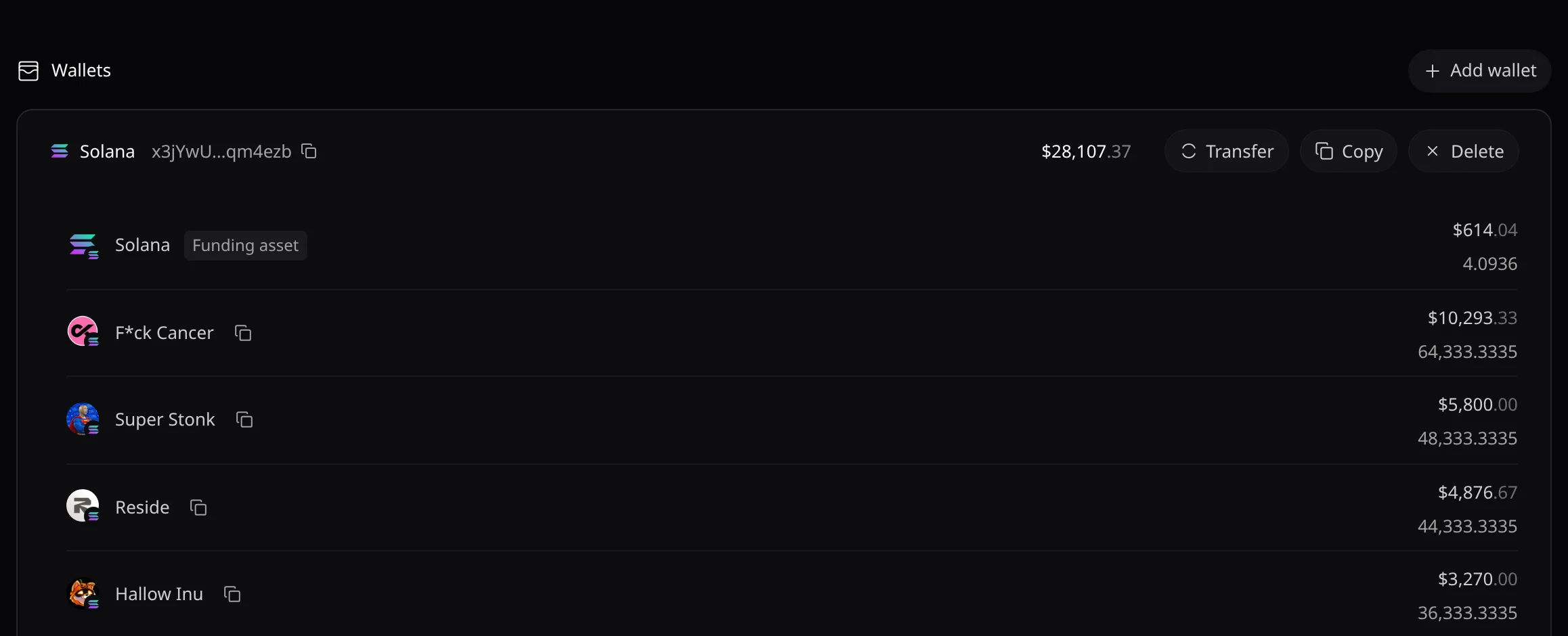
- Largest wallet first; in each, the native coin first. Add wallet generates or imports one: see Wallets.
- A card offers Transfer, Copy and Delete. Hover a token row for New strategy, Swap, Withdraw or Transfer.
By token
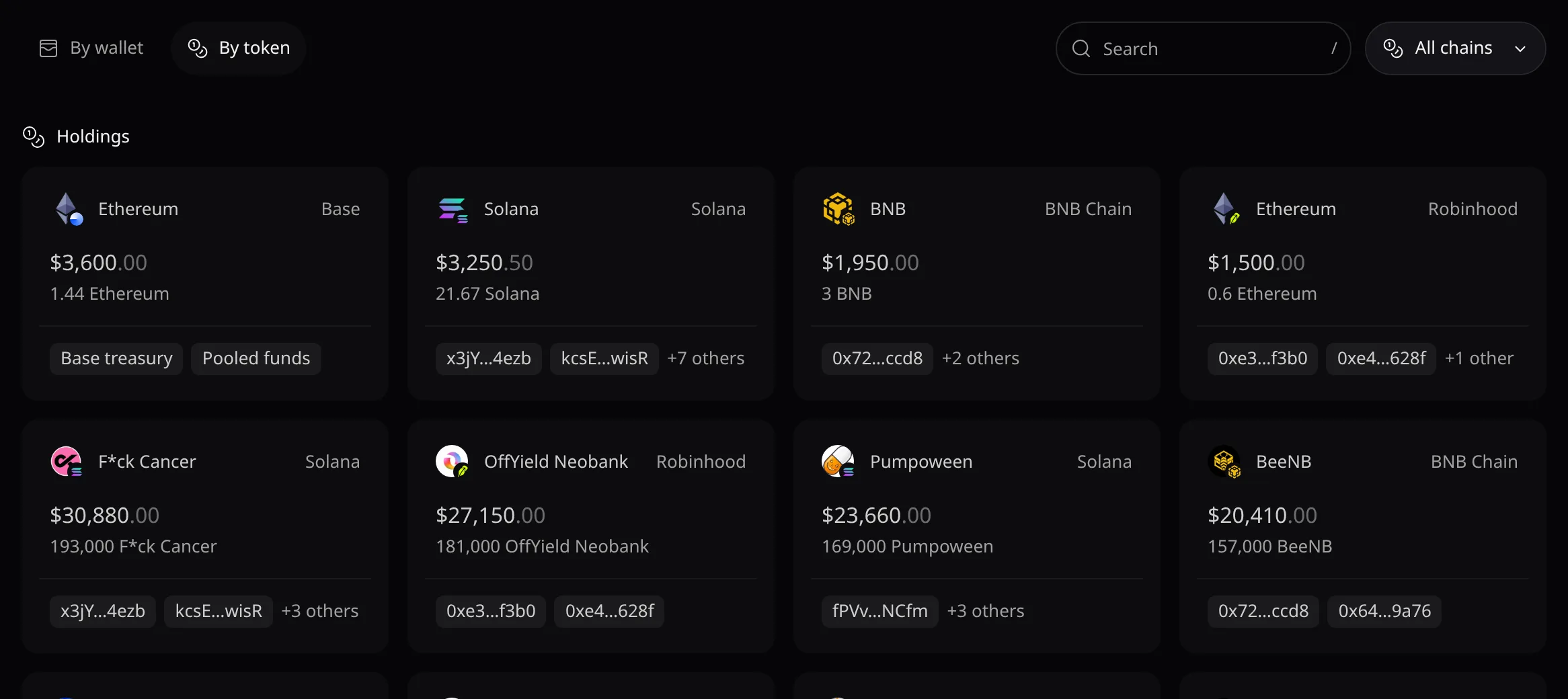
- One card per token and network. Click it to open its token page.
- A funding asset such as SOL or USDC, or the holder chips, open the {token} holders window.
Portfolio overview
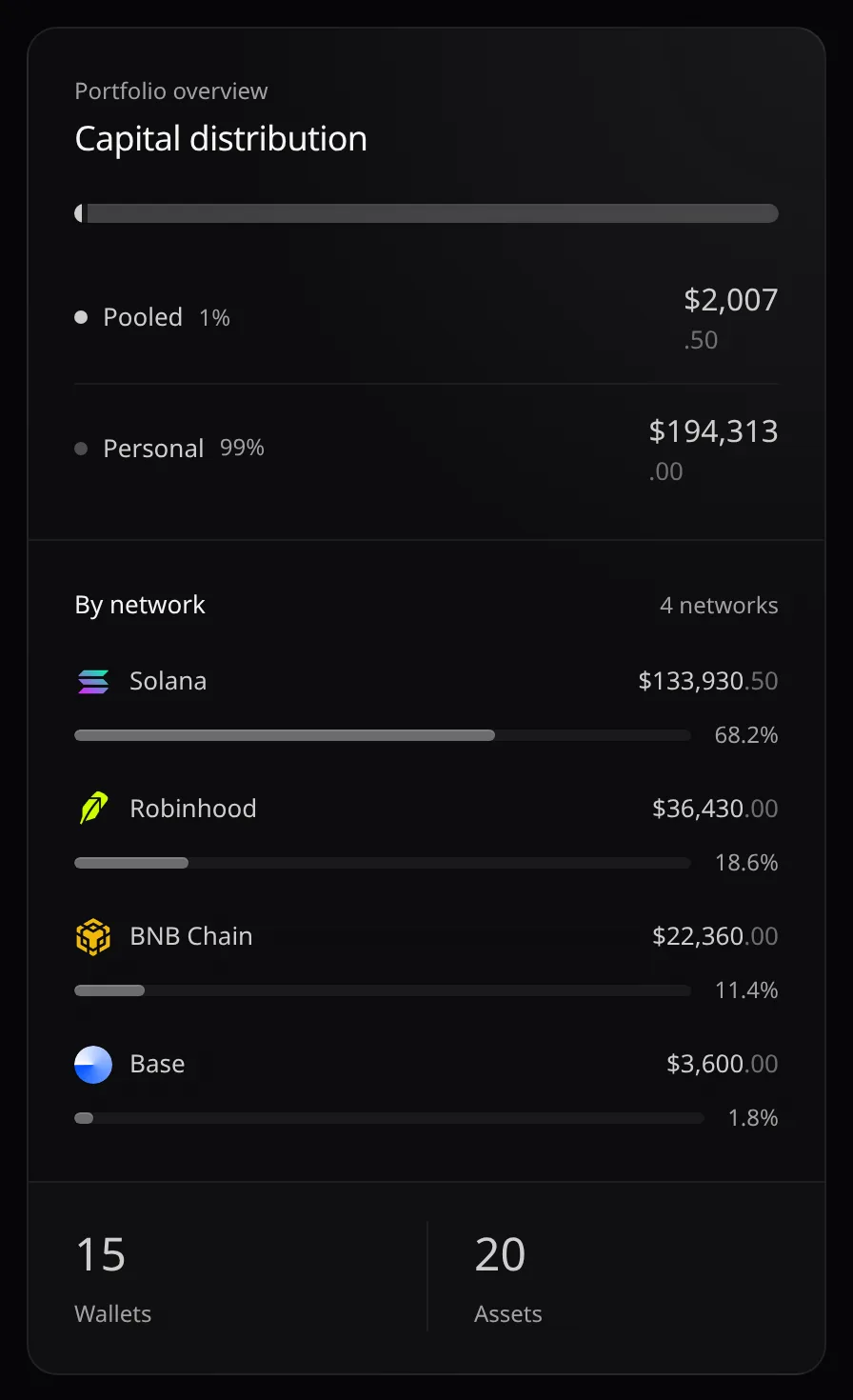
On wide screens, By wallet adds Capital distribution (Pooled against Personal), By network, and counts of Wallets and Assets.