Sign In & Access
Sign in with email, a passkey or an API key, and learn what each credential is allowed to do.
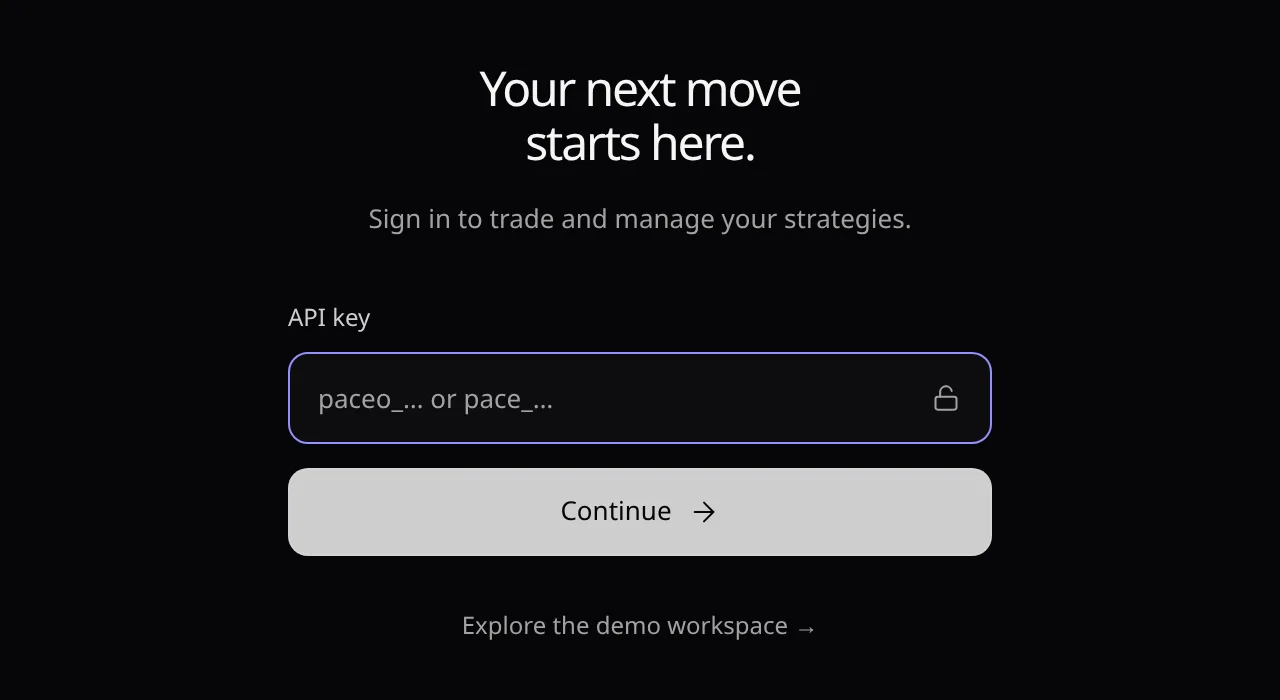
Open the console at /connect. An API key always works; email and passkey appear when your deployment enables them.
Email or passkey
- Email: type your email, choose Continue with email, then type the code and Continue. The first time, this creates your sign-in.
- Passkey: choose Continue with passkey, or New here? Create a passkey the first time.
- Pace opens your first organization if you have one, otherwise your first account.
API key
- Paste the key in API key and choose Continue. Pace opens the key’s account or organization.
- The prefix says what it is:
pace_an account key,paceo_an organization key,pacot_an organization token,pacs_a session token from an email or passkey sign-in.
Accounts and organizations
- An account is where you trade. An organization manages accounts, and can watch one at a time to read its data.
- Explore the demo workspace → opens fictional data instead. See Demo & Live Modes.
What each permission allows
| To… | You need |
|---|---|
| Trade, swap, deposit | In an account: Can trade, Can withdraw or Admin |
| Withdraw and transfer | In an account: Can withdraw or Admin |
| Manage accounts, keys and fees | In an organization: Manage or Admin |
| Read | Any permission, including View only |
After you sign in
- With email or a passkey, if the terms changed, Terms of service asks you to choose I accept or Sign out. Changes wait until you accept.
- Email and passkey sign-ins also confirm withdrawals and destination changes again. API keys are never asked.
- Disconnect in Connection & Sessions signs you out.
Error messages are listed in Troubleshooting.