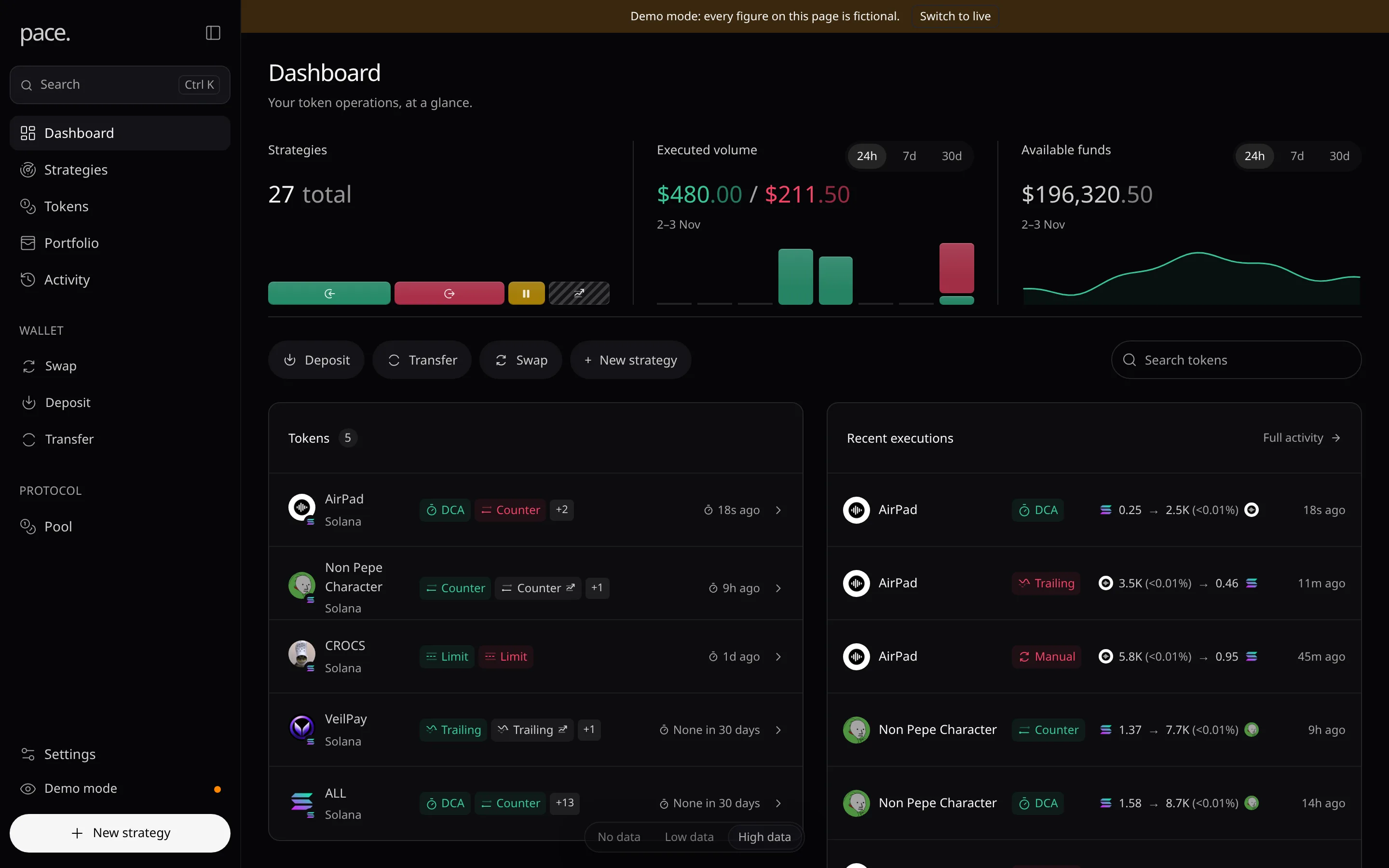
Demo & Live Modes
Explore Pace with fictional data, then switch to your real workspace.
Live is your real workspace. Demo is a fictional one that runs in your browser, with no sign-in and no funds moved.
Switch modes
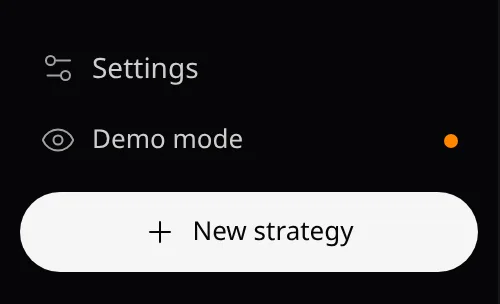
- In the sidebar, choose Demo mode or Live mode. On narrow screens, use the banner or a link instead.
- The demo banner’s Switch to live opens the sign-in page; the sign-in page’s Explore the demo workspace → opens the demo.
- A link with
?mode=demoor?mode=realopens that page in that mode. The choice lasts for the browser tab.
Demo data
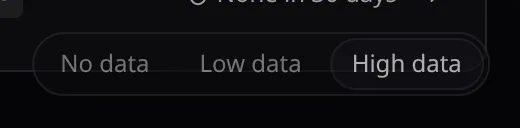
- No data, Low data or High data (the default) sets how full the fictional workspace looks.
What differs in demo

- Swaps, transfers and withdrawals are simulated: the receipt reads Swap simulated, Transfer simulated or Withdrawal simulated.
- Importing or deleting a wallet, creating an API key or adding a destination answers Transactions and account changes are disabled.
- Charts, market data and token safety facts are generated.