Pool
Pooled custody balances and the flows that moved them in the last 24 hours.
What every client holds in pooled custody, and what moved it in the last 24 hours. Pool is under Protocol in the sidebar.
Figures and tokens
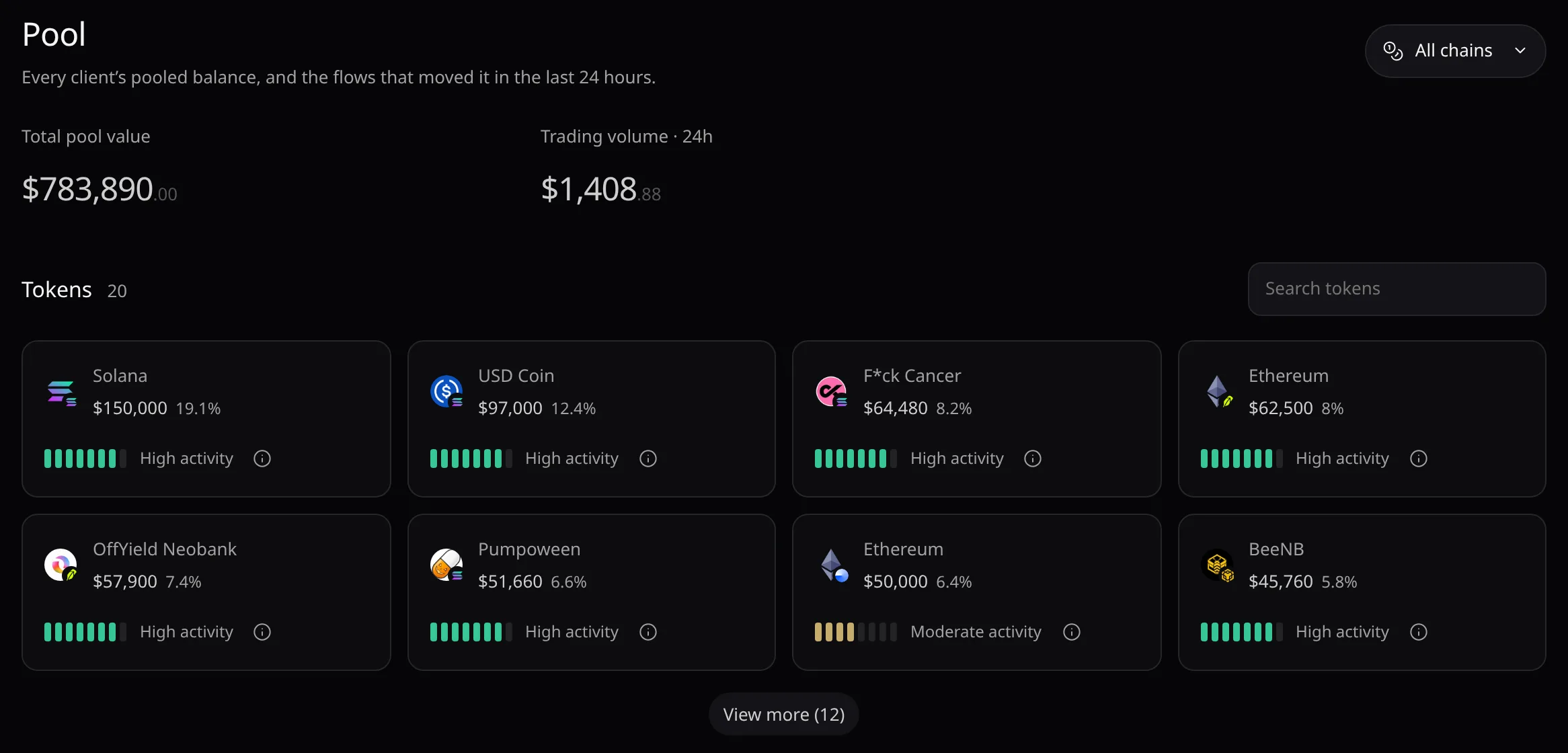
- Total pool value and Trading volume · 24h cover every client. All chains keeps one network.
- Each card shows the token’s value and its share of the pool. Hover it to read Yours.
- Search tokens filters the grid; View more (n) adds eight cards at a time.
Pool activity
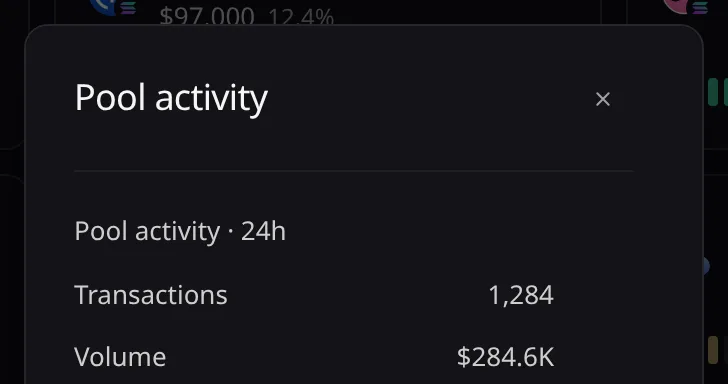
- The level on each card counts the token’s deposits, withdrawals and trades over 24 hours. It is not a safety rating.
- The ⓘ beside it opens Pool activity with the Transactions and Volume.
Activity levels
| Level | Transactions over 24 hours |
|---|---|
| No activity | None |
| Low activity | 1 to 9 |
| Moderate activity | 10 to 49 |
| High activity | 50 or more |
| Unavailable | No activity data |
Transactions
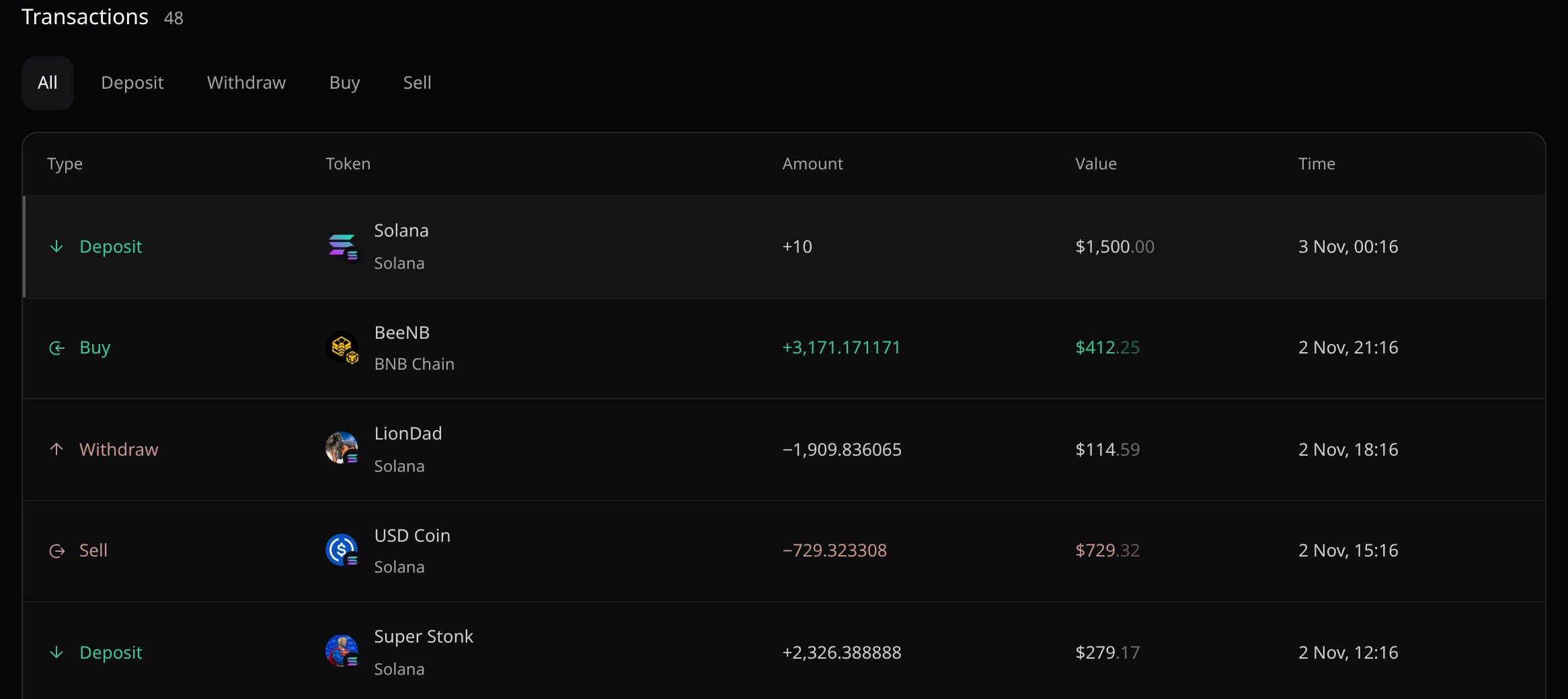
- Deposit, Withdraw, Buy and Sell rows, filtered by the tabs above. Your own rows are highlighted and read Your transaction on hover.
- The page reads the pool when you open it or come back to its tab, not on a timer.