Webhooks
Send Pace events to an HTTPS address you control, with a signing secret.
Open Settings → Webhooks to have Pace POST events to your server instead of polling. Adding, testing and revoking need Can trade, Can withdraw or Admin on an account, Manage or Admin in an organization.
Enter the address
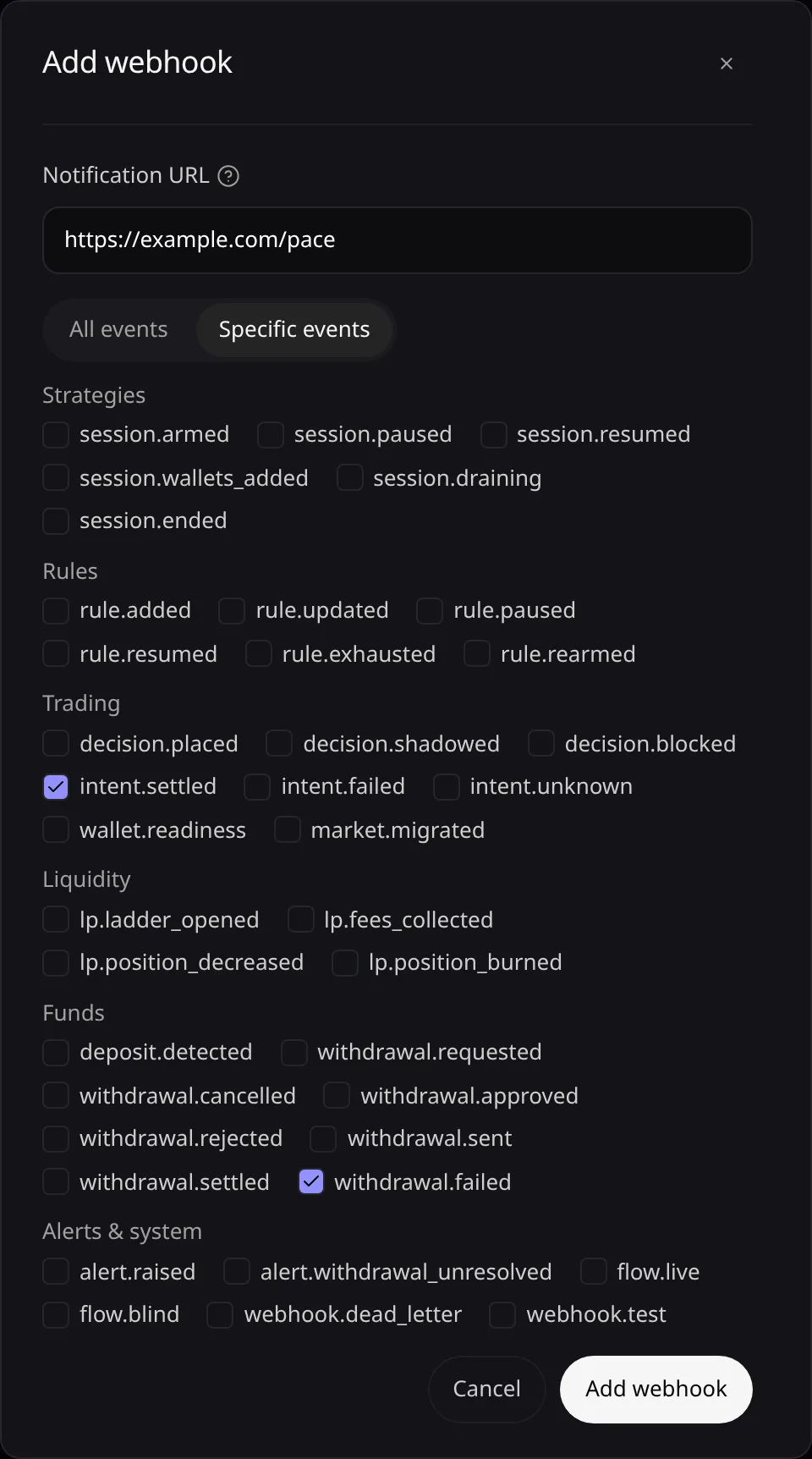
Choose Add webhook and enter the Notification URL, starting with
https://.Pick the events
Keep All events, or choose Specific events and tick the kinds you want. Every kind is listed in Webhook Events.
Copy the signing secret
Choose Add webhook. In Copy the signing secret, choose Copy, store the secret, then choose Done.
Test it
Test queues a test delivery and Deliveries lists up to 100 recent deliveries. Revoke stops the events.
Error messages are listed in Troubleshooting.