Destinations
The allow-list of addresses your withdrawals can be sent to.
Open Settings → Destinations: withdrawals can only go to addresses on this list. You need Can withdraw or Admin on an account, Manage or Admin in an organization.
Pick the chain
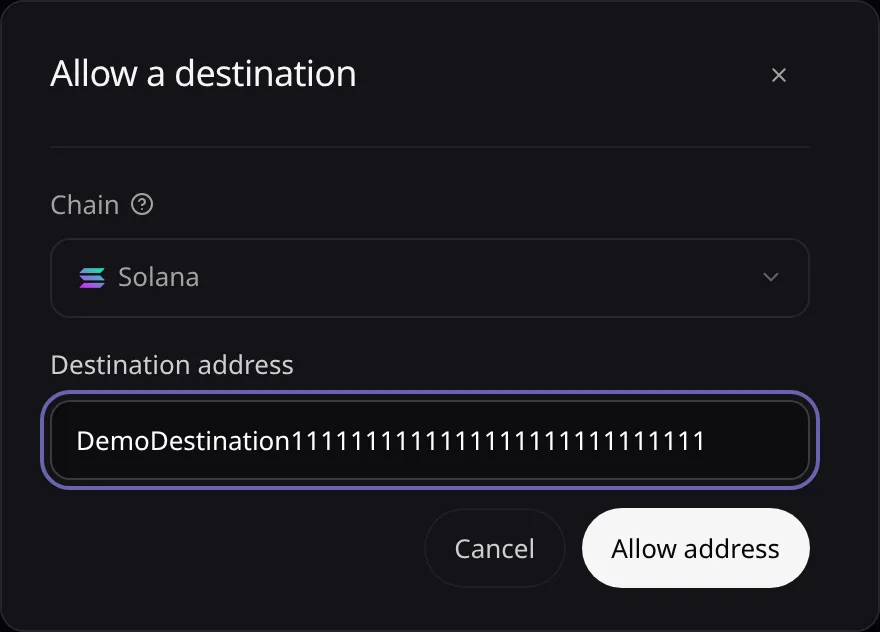
Choose Allow address, then the Chain the payout address lives on. Only your plan’s networks are offered.
Paste the address
Paste the Destination address and choose Allow address. Email and passkey sign-ins confirm with Turnkey; API keys are not asked again.
Send to it
The address is listed as Active with its date. You can now withdraw to it, and an organization can collect fees to it.
Revoke it
Choose Revoke on the address and confirm. New withdrawals to it are refused.
Error messages are listed in Troubleshooting.