Deposit
Fund your pooled balance or one of your wallets, directly or privately through Husher.
Open Deposit from the sidebar’s Wallet group, the Dashboard or Portfolio. You need a key with Can trade or higher.
Choose the network
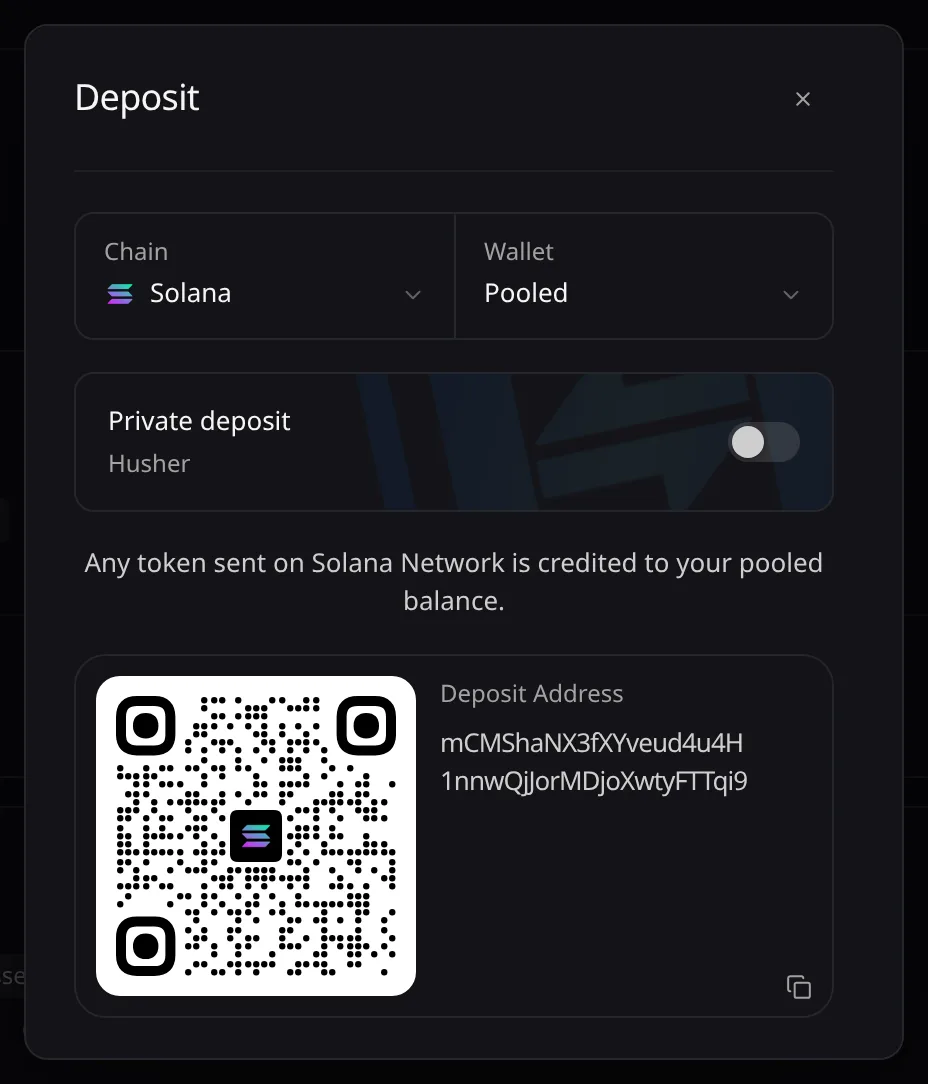
Pick the Chain. Only your plan’s networks are listed.
Choose where it lands
Leave Wallet on Pooled to credit your pooled balance, or pick one of your wallets to show its own address. Tokens sent to a wallet stay in that wallet.
Send the tokens
Copy the Deposit Address or scan the QR code, then send from your wallet or exchange on that network.
Private deposit (Husher)
With Pooled, switch on Private deposit, enter You send (at least the Min shown) and choose Create order. Send exactly the amount shown to the Pay to address: Husher then pays your deposit address, not your wallet.
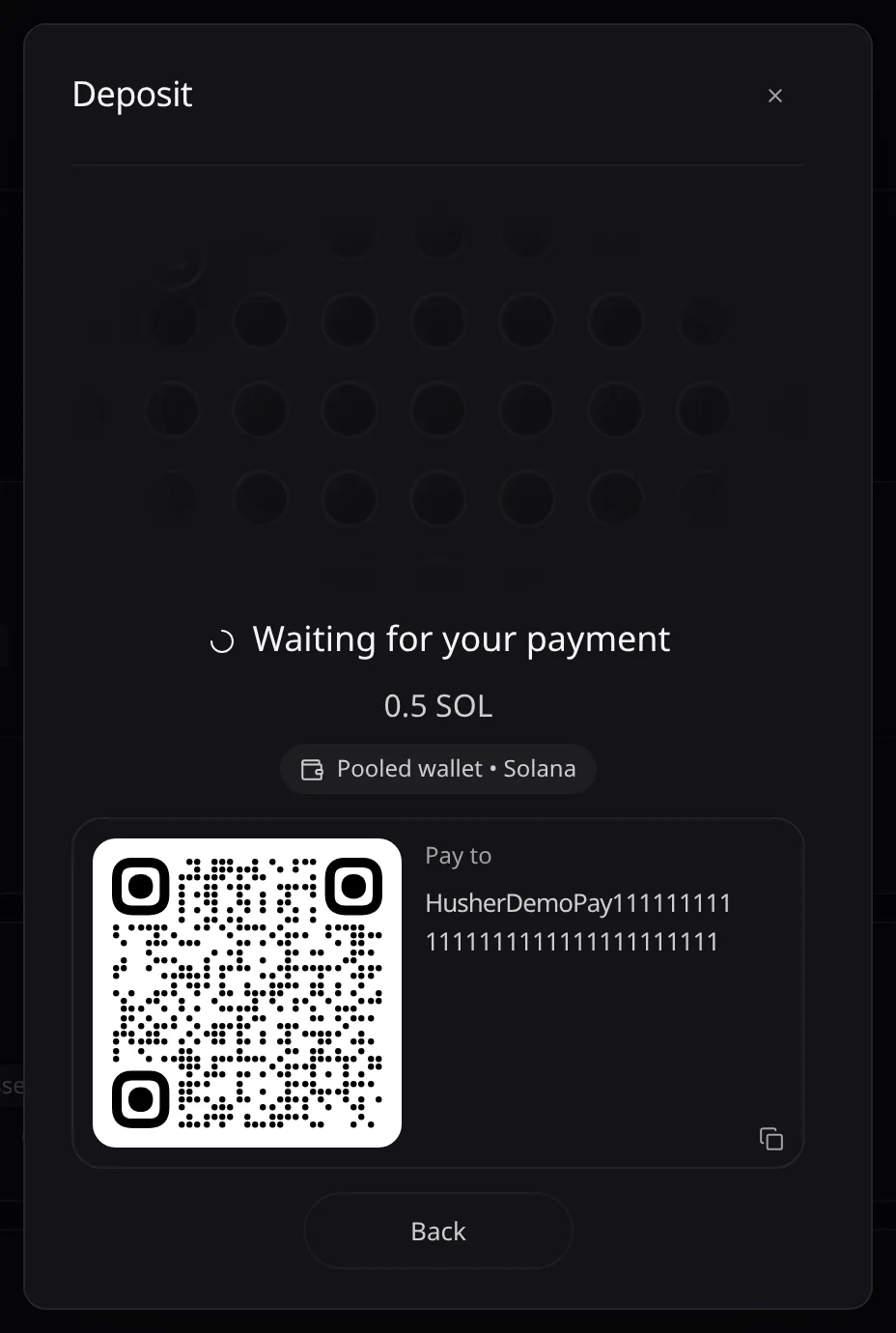
Pay soon after you create the order, and never pay one that shows Expired unpaid: that payment stays at Husher. If it reads Paid, not delivered, keep the order id.
Follow the credit
A card at the bottom right follows a pooled deposit: Deposit detected, Moving to pool…, then Credited. Under the address, each token that arrived shows what the pool decided.
Tokens the pool holds back
Too small to credit: choose Pay the move to credit it from your pooled balance. Waiting for SOL: deposit a little native coin first. Not credited: the token was refused, with the reasons.
Error messages are listed in Troubleshooting.