Manage Strategies
Open a running strategy in the editor to pause, edit, duplicate or stop it, and handle it from its card on the Strategies page.
A strategy you start keeps its own tab in the editor, and a card on the Strategies page. Pause, edit, duplicate and stop need a key that Can trade.
One tab for each strategy

- A dot shows the state: green while it runs, grey when it is paused or ended.
- A new draft is named Strategy 1, Strategy 2… until you start it. + opens another.
Read a running strategy
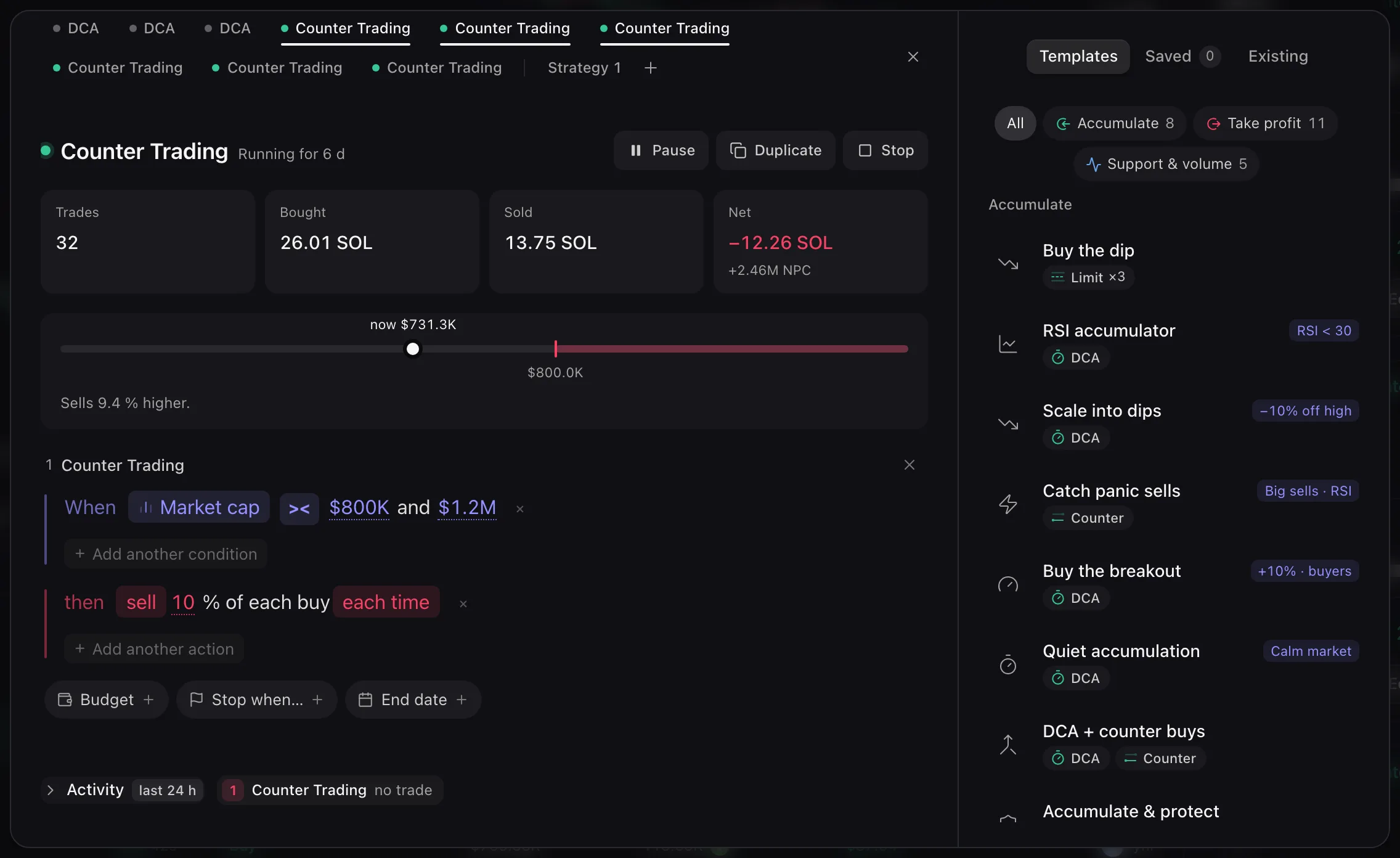
- Pause (then Resume) holds new trades. Duplicate copies its cards into a draft named {name} copy. Stop asks first: every rule stops for good, and trades already in flight can still finish.
- Trades, Bought, Sold and Net sum up what it did. Activity below lists the last 24 h.
- Its cards are locked while it runs.
Change it while it runs
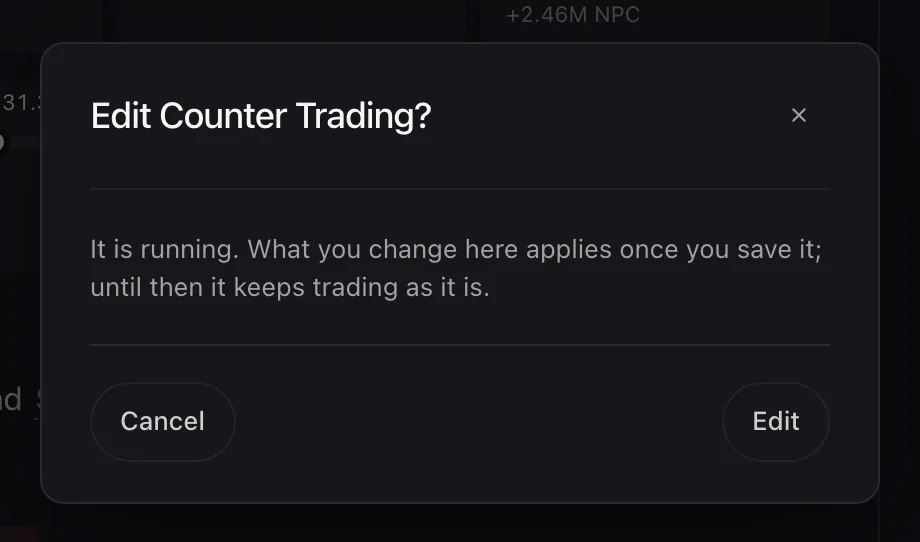
- Press a locked card: Edit {name}? confirms, and the card unlocks.
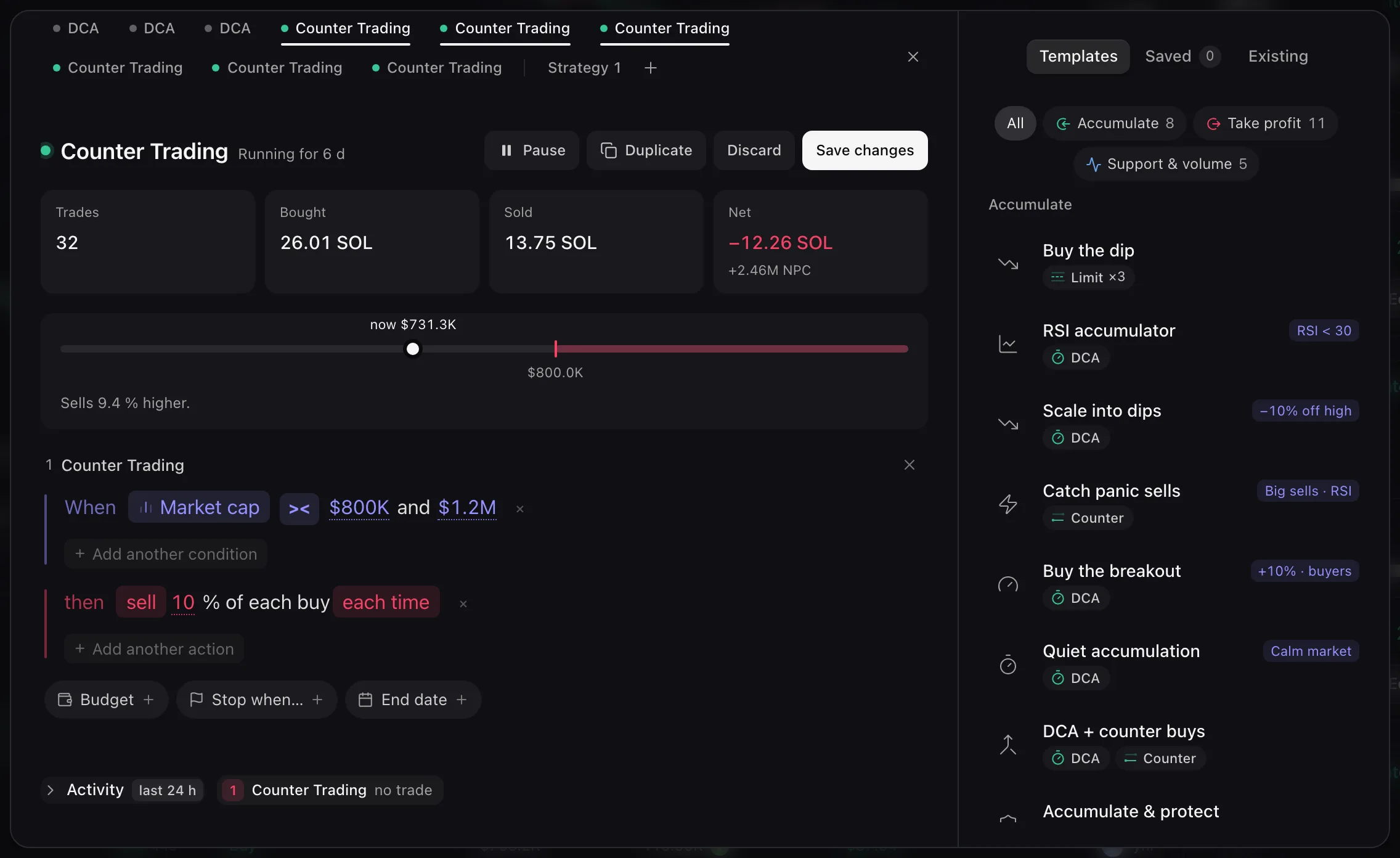
- Save changes sends the new cards to the strategy. Discard puts the cards back as it runs.
- A draft card that would trade like a running strategy shows Overlaps and its name; click it to open that strategy.
Cards on the Strategies page
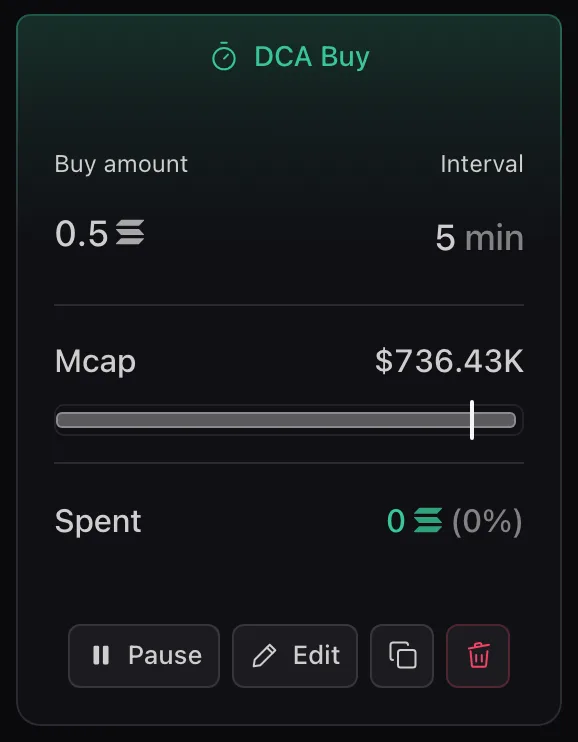
- Each card shows the method and side, its figures, the Mcap bar and what it Spent or Sold. Hover the figures to see what it is doing now: Statuses.
- Pause dims the card (Strategy paused) and becomes Resume. On a Range or Activity card, both sides pause together.
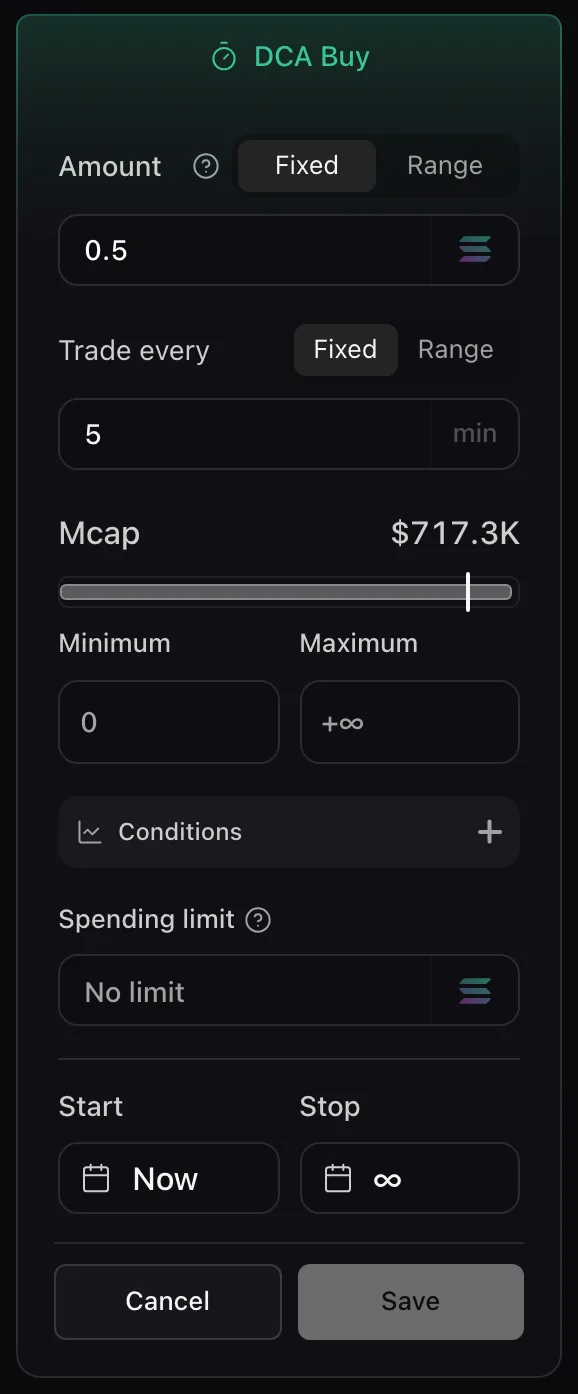
- On this page, Edit turns the card into a form: Save or Cancel. A Limit order edits only its levels that have not executed yet. On-chain activity shows Read only.
- On a Token Page, Edit opens the editor on that strategy’s tab with its cards already unlocked: no Edit {name}? prompt, then Save changes as above.
Delete, and the Token Page rail
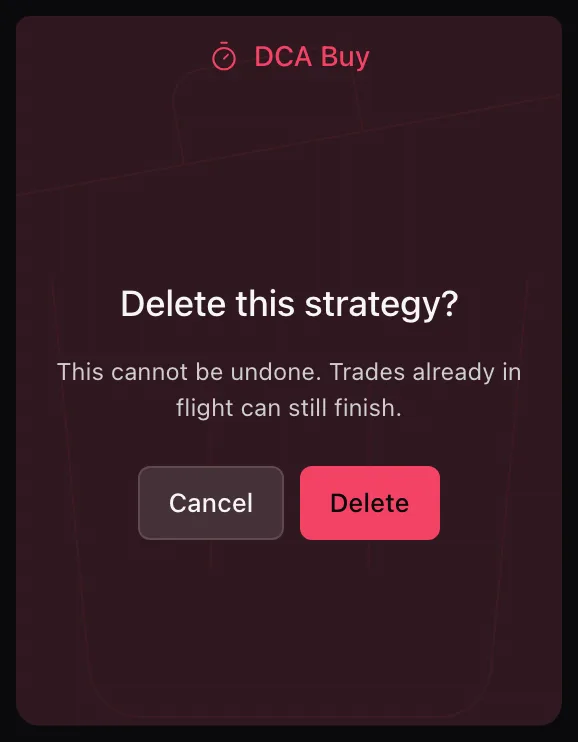
- The copy button creates the duplicate at once, with the same settings, funding source and wallets but none of the history, and says Strategy duplicated. Delete strategy asks Delete this strategy?: it cannot be undone.
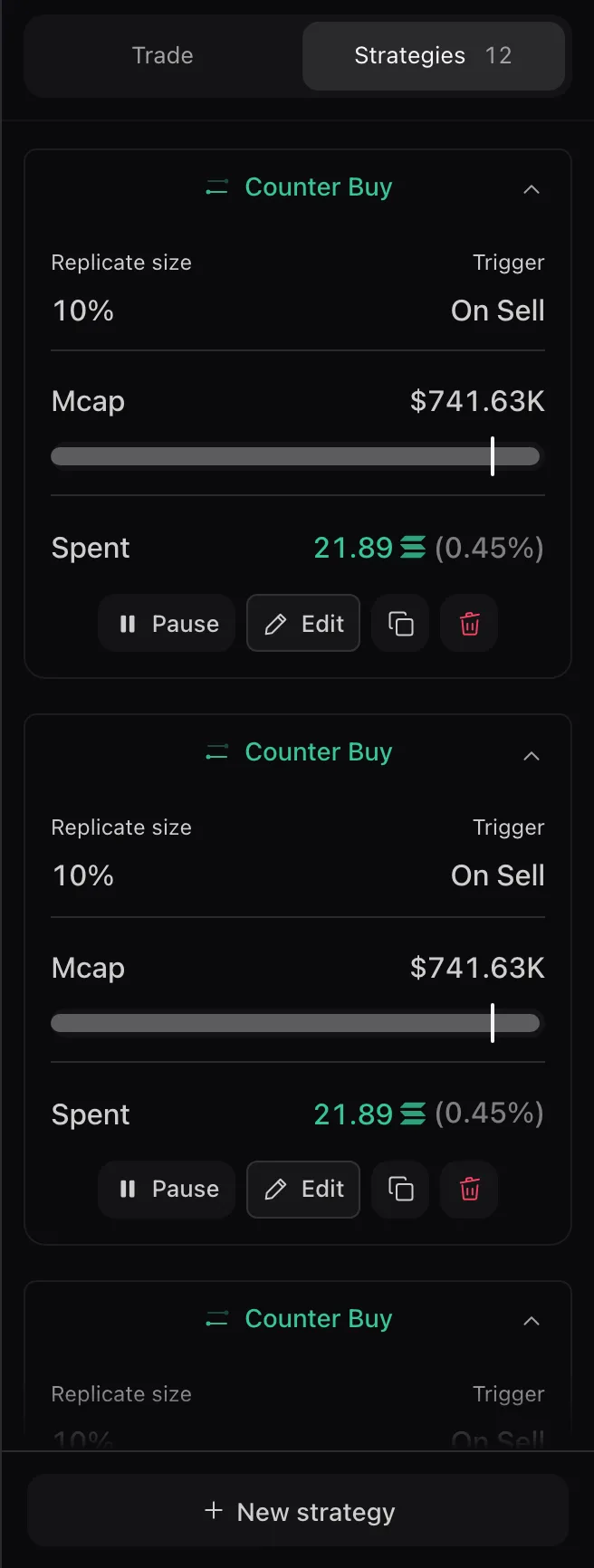
- On the Token Page, the arrow on a card folds it to one line with its status, such as Paused. Finished strategies move to Completed N.
Error messages are listed in Troubleshooting.